Most photographers put their cameras away the second the skies turn gray. But stormy skies, falling snow, or thick fog could be your secret weapons for creating breathtaking images. They completely change the mood, atmosphere, and storytelling potential of your images.

Photographing in unusual weather isn’t about waiting for luck; it’s about learning how to work with nature when she’s at her most dramatic. Whether you’re new to photography or you’ve been shooting for years, mastering these conditions will help you push your creativity and capture images that truly stand out.
Why Photograph in Unusual Weather?
Weather that makes most people run for cover can make your photos unforgettable. Snow, rain, and fog bring visual interest and a strong sense of mood. They also change the way light behaves:
- Storm clouds act like natural diffusers, softening harsh sunlight.
- Fog works like nature’s softbox, wrapping subjects in dreamy, ethereal light.
- Snow brightens and reflects light, simplifying busy scenes into clean, striking compositions.
And when the conditions are tough, you naturally slow down. You think more carefully about exposure, composition, and timing. That extra intention often leads to your most powerful, portfolio-worthy shots.
Essential Gear and Preparation
Before venturing out into challenging weather, proper preparation is necessary for your safety and to protect your equipment. Protect your gear and yourself so you can focus on making images instead of fighting the elements.
Camera and Lens Protection
Moisture is the biggest threat to your equipment. A rain cover or weather-sealed bag is a must, and always keep microfiber cloths handy. Lens hoods aren’t just for reducing flare, they also help shield from rain and snow. A simple UV filter adds another layer of protection.
Remember: “weather-sealed” doesn’t mean “weather-proof.” A little extra care goes a long way.
Personal Preparation
Your comfort equals better photos. Waterproof, breathable clothing keeps you dry without overheating, and insulated gloves with removable fingertips are helpful for shooting in snow. Always let someone know where you’re going, especially if you’re headed into remote or foggy conditions.
Useful Accessories
Keep these essentials handy, and you’ll be ready to tackle any weather with confidence and creativity.
- Sturdy Tripod: A tripod is especially valuable in tricky weather. It keeps your shots sharp in low light and provides steady support when the wind picks up. Carbon fiber tripods are lighter and don’t conduct cold as readily as aluminum ones.
- Neutral Density Filters: Neutral density filters can help you achieve longer exposures to blur falling rain or create dreamy fog effects. They help you slow down your shutter speed to create stunning, atmospheric effects.
- Polarizing Filters: Polarizing filters reduce reflections on wet surfaces and can help increase contrast in foggy conditions. They’re an easy way to add depth and drama to your photos.
- Extra Batteries: Cold weather will drain your batteries faster than you think. Pack spares and keep them warm in your pockets to avoid running out of juice mid-shoot.
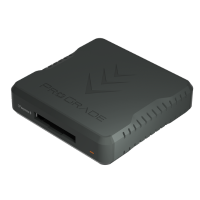
- Memory Cards: Don’t forget extra memory cards. You don’t want to miss capturing that perfect moment because you ran out of storage. Always have a few backups in your bag.
- Waterproof Gear Bag: Protect your equipment from rain, snow, or unexpected splashes. A waterproof bag will keep your gear safe and dry while you focus on getting the shot.
Shooting in Snow
Snow photography presents unique challenges, but the results can be absolutely stunning when you get it right.
Camera Settings for Snow
Your camera’s meter will be fooled by all that bright white snow, often resulting in underexposed, gray-looking images. Use exposure compensation of +1 to +2 stops to ensure your snow appears truly white. Don’t be afraid to check your histogram frequently and adjust as needed.
White balance is crucial in snow photography. The “snow” or “shade” white balance presets often work well, but shoot in RAW so you can fine-tune color temperature in post-processing. Snow can pick up blue tints from overcast skies or warm tones during golden hour.
Creative Composition in Snow
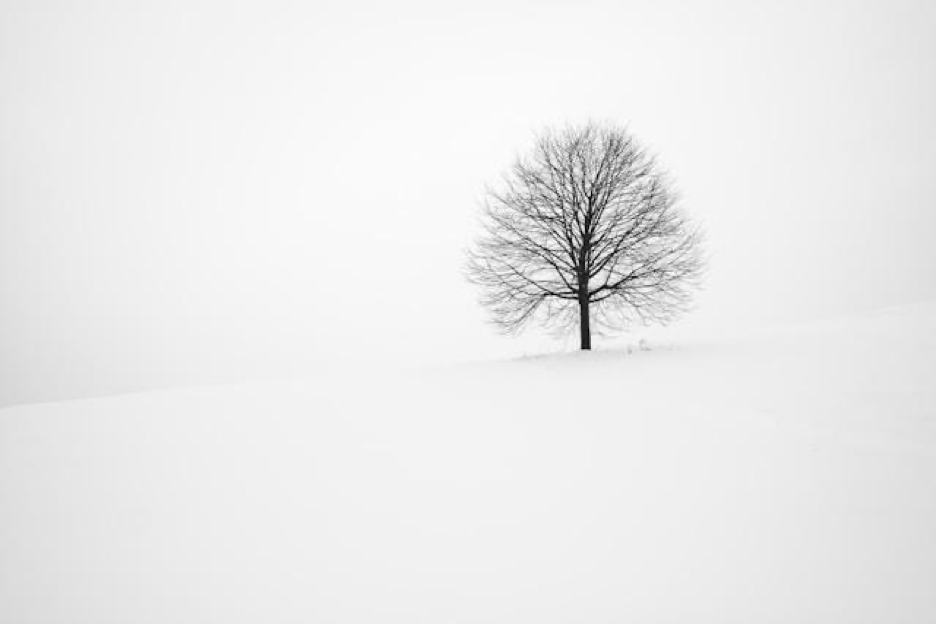
Fresh snow creates incredible negative space that can make your subjects pop. Use this to your advantage by embracing minimalist compositions where snow becomes as important as your main subject.
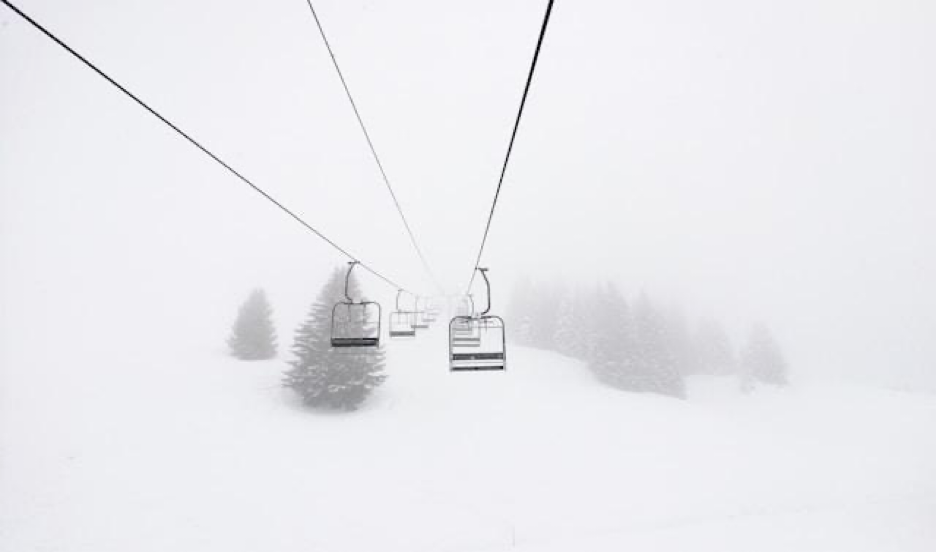
Look for patterns and textures created by wind-blown snow or animal tracks. These natural elements can serve as powerful leading lines that draw viewers into your image. Snow also reveals the underlying structure of landscapes, simplifying complex scenes into their essential elements.
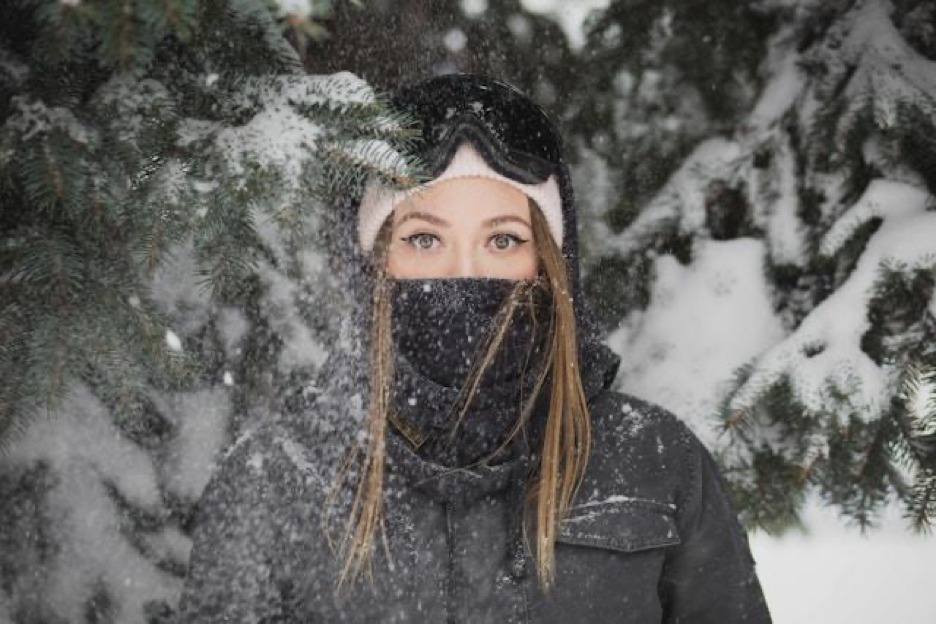
Snow can make portraits stand out by bouncing soft, flattering light back onto your subject. Use a polarizer to manage glare and keep your highlights under control.
Protecting Your Gear in Snow
Cold drains batteries quickly. Keep spares warm and stash your camera under your jacket when moving between spots. When you head back indoors, seal your gear in a plastic bag until it warms up to prevent condensation damage.
Post-Processing Tips for Snow Photography
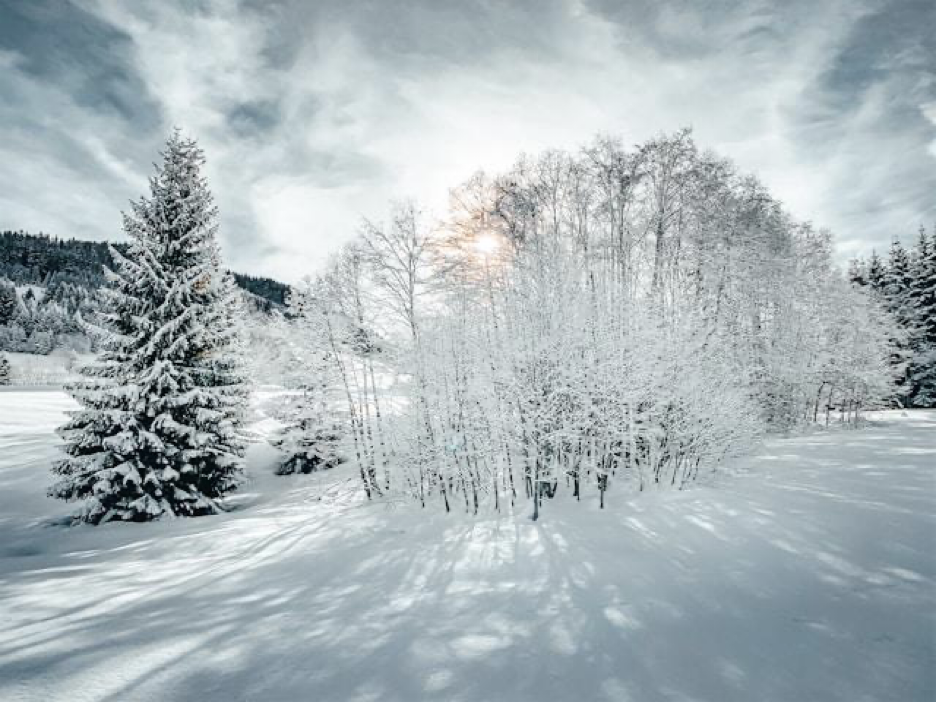
When editing snow photos, post-processing plays an important role in enhancing the beauty and clarity of your images. Snow can often cause challenges in exposure, white balance, and detail retention, so making the right adjustments can help bring out the best in your shots. Here are some tips to keep in mind during post-processing:
- Adjust White Balance: Ensure the whites in your snow photos look natural by fine-tuning the white balance. This helps eliminate any blue or gray casts often caused by reflections.
- Control Highlights and Shadows: Snow can easily overexpose or lose detail in shaded areas. Use the highlights and shadows sliders to achieve better tonal balance and recover lost details.
- Enhance Contrast: Adding slight contrast can make the textures and contours of the snow stand out, giving your image more depth and definition.
- Sharpen Details Carefully: Applying sharpening tools can enhance snowflakes, trees, or other textures, but be cautious not to overdo it and introduce noise.
- Boost Color Saturation Wisely: Amplify the subtle colors in your image, like the blues of the sky or warm hues of a sunset, without making the scene look artificial.
- Reduce Noise: If you shoot in low light, use noise reduction tools to eliminate grain without compromising overall image quality.
Shooting in Rain
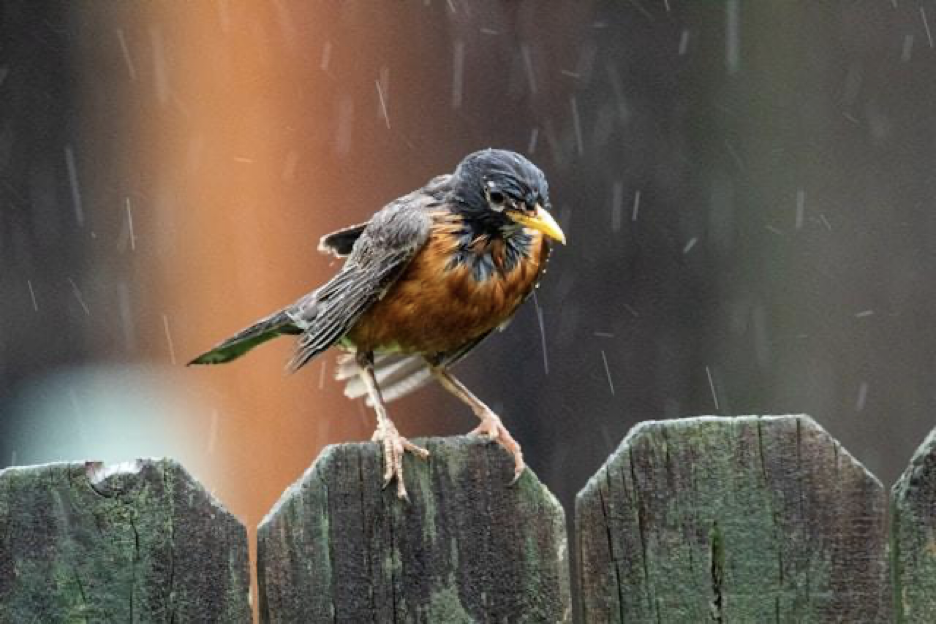
Rain photography opens up a world of creative possibilities, from capturing the energy of falling droplets to using wet surfaces for stunning reflections.
Camera Settings for Rain
Shutter speed is your most important creative control when photographing rain. Use speeds of 1/60s or faster to freeze individual raindrops in mid-air. For a more atmospheric effect, slow your shutter to 1/30s or slower to create streaks that convey the rain’s movement and intensity.
ISO adjustments become most important in the darker conditions that often accompany rain. Don’t be afraid to push your ISO higher. The atmospheric quality of rain photography often benefits from a bit of grain.
Creative Techniques in Rain
Reflections in puddles can create mirror images that double the impact of your composition. Get low and use wide apertures to isolate your reflected subject from distracting background elements.
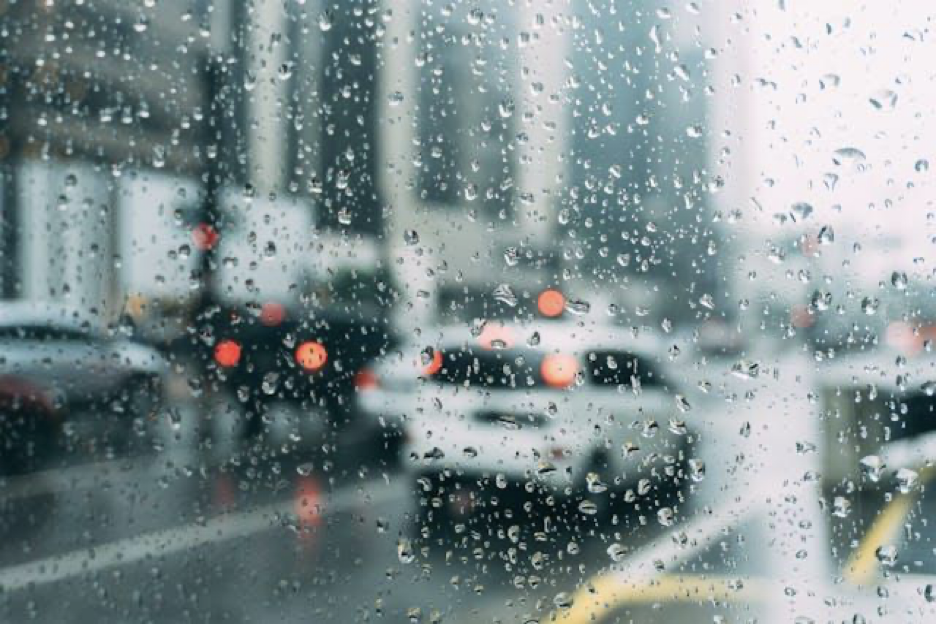
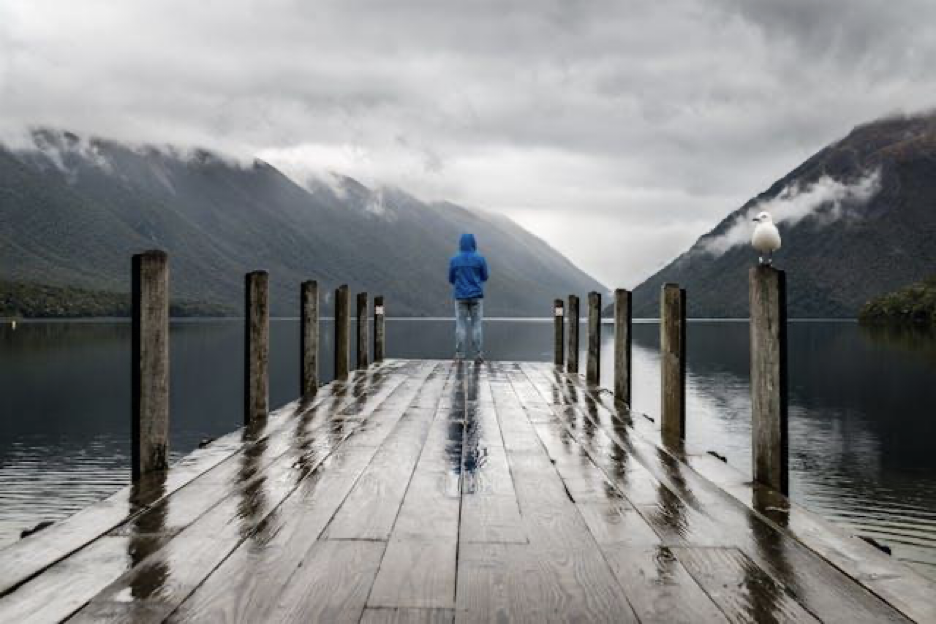
Try shooting through rain-covered windows for artistic effects. Water droplets on glass create natural bokeh and can add an intimate, contemplative mood to your images. Umbrellas can also serve as interesting framing devices while keeping you and your gear relatively dry.
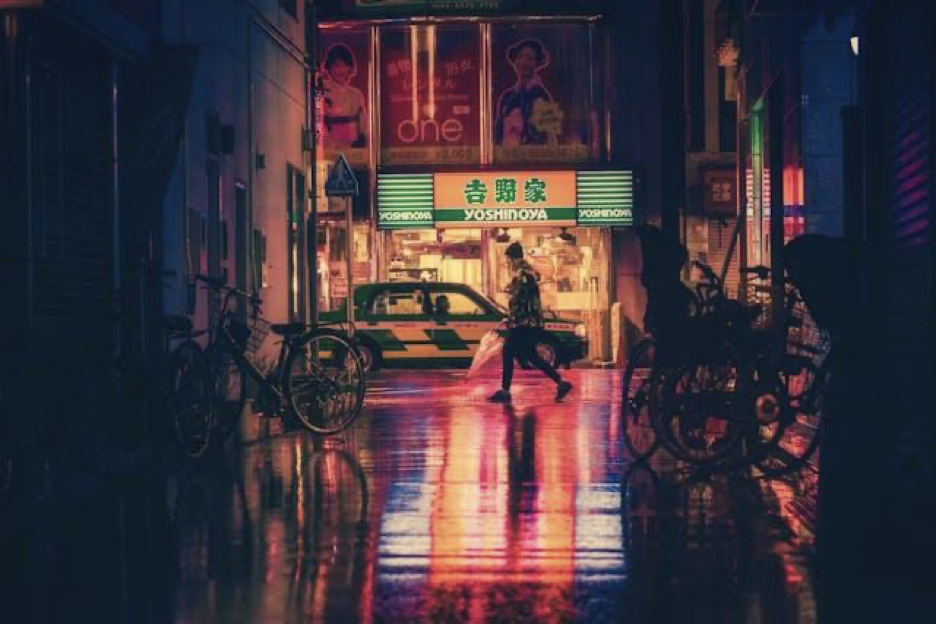
Wet surfaces transform ordinary scenes by adding shine and increasing color saturation. Wet pavement, leaves, and buildings all take on a richer, more vibrant appearance that can make familiar locations feel completely new.
Protecting Your Gear in Rain
Use a rain cover or even a plastic bag in a pinch. Keep lens cloths ready, and avoid lens changes outdoors. Weather-sealed gear helps, but always err on the side of caution.
Post-Processing Tips for Rain Photography
Post-processing can elevate rain photographs, enhancing their mood and emphasizing details that might not be immediately visible. With thoughtful adjustments, you can create dramatic, evocative images that fully capture the essence of a rainy scene. Below are some tips to guide you in editing rain photographs effectively:
- Adjust Exposure and Contrast: Rainy weather often results in low light conditions. Brighten up your image slightly while deepening contrast to bring out details and textures.
- Enhance Colors: Subtle color grading can amplify the chilly or warm tone of the scene, depending on the mood you want to convey.
- Highlight Raindrops and Water Effects: Use selective sharpening or clarity adjustments to emphasize raindrops, water splashes, or reflections.
- Reduce Noise: Low light conditions often create noise, especially in overcast scenes. Apply noise reduction carefully to retain sharpness.
- Play with Shadows and Highlights: Adjusting shadows and highlights can add depth, allowing the scene to appear more dramatic.
- Add Subtle Vignettes: A vignette can draw focus to the central subject and enhance the image’s composition.
- Experiment with Black and White: For a timeless, moody effect, convert your rain photograph to black and white. This can help emphasize textures and contrasts.
Shooting in Fog
Fog photography is all about mood, atmosphere, and working with limited visibility to create images with incredible depth and mystery.
Capturing Mood and Atmosphere
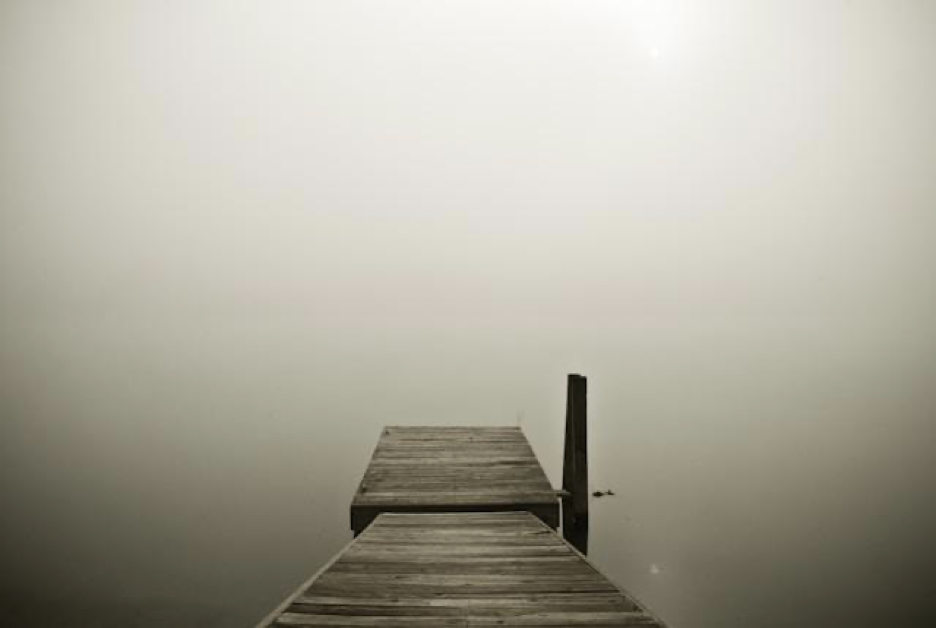
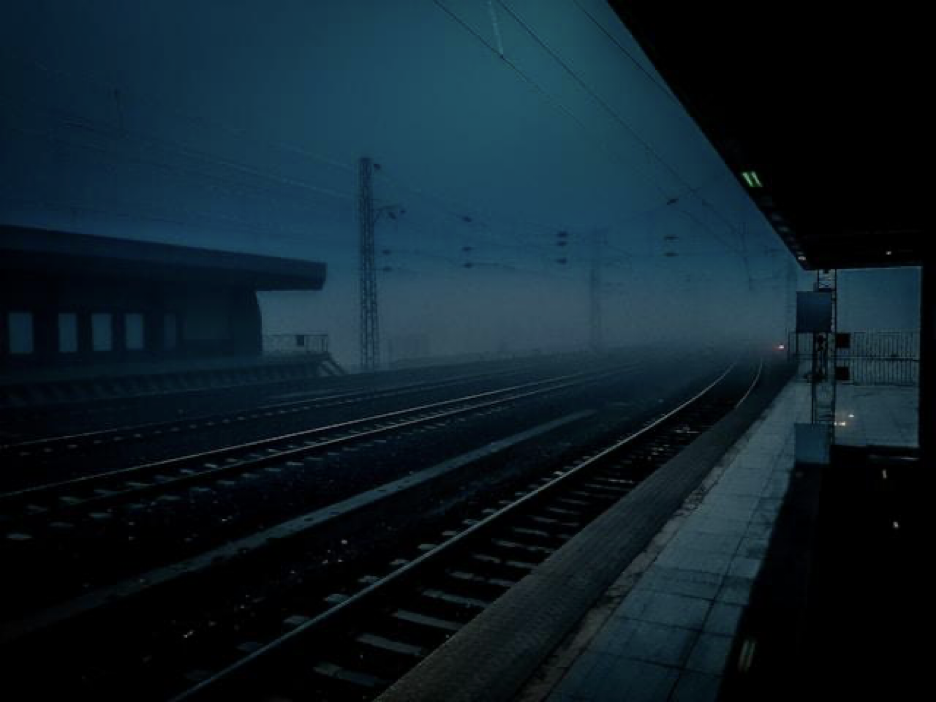
Shooting in fog is the perfect way to capture mood, atmosphere, and depth in your photos. The soft, diffused lighting created by fog eliminates harsh shadows, giving your images a dreamy, ethereal quality that’s hard to achieve in clear conditions. Fog naturally enhances the sense of depth by layering your composition, separating the foreground, middle ground, and background in subtle yet impactful ways.
This combination of gentle lighting and natural layering makes fog an ideal setting for creating images rich in emotion and storytelling. The key to great fog photography is embracing the limited visibility rather than fighting it.
Focusing Challenges and Solutions
Autofocus systems struggle in fog because there’s often insufficient contrast for the camera to lock onto. Switch to manual focus and use your camera’s focus peaking or magnification features to ensure critical sharpness on your main subject.
Infinity focus isn’t always at the infinity mark on your lens, especially in fog. Take test shots and adjust accordingly, or use hyperfocal distance techniques to maximize depth of field.
Creative Compositions in Fog
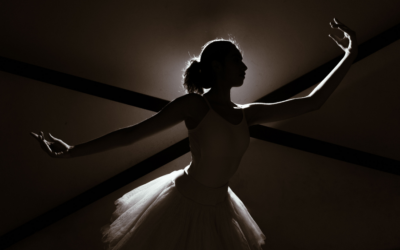
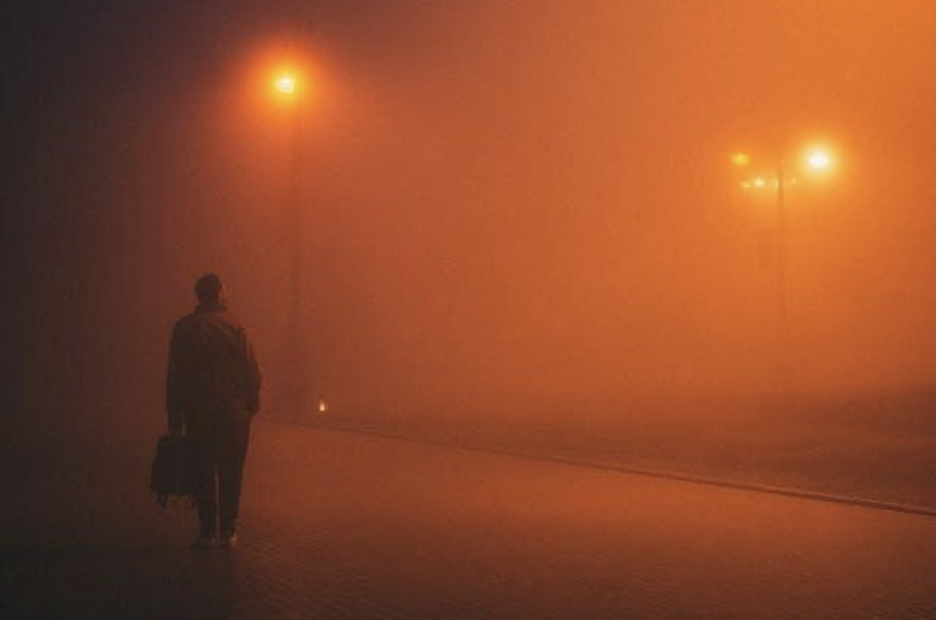
Silhouettes work beautifully in fog, where subjects become simplified shapes against a soft, monochromatic background. Position yourself so your subject is backlit by the strongest available light source.
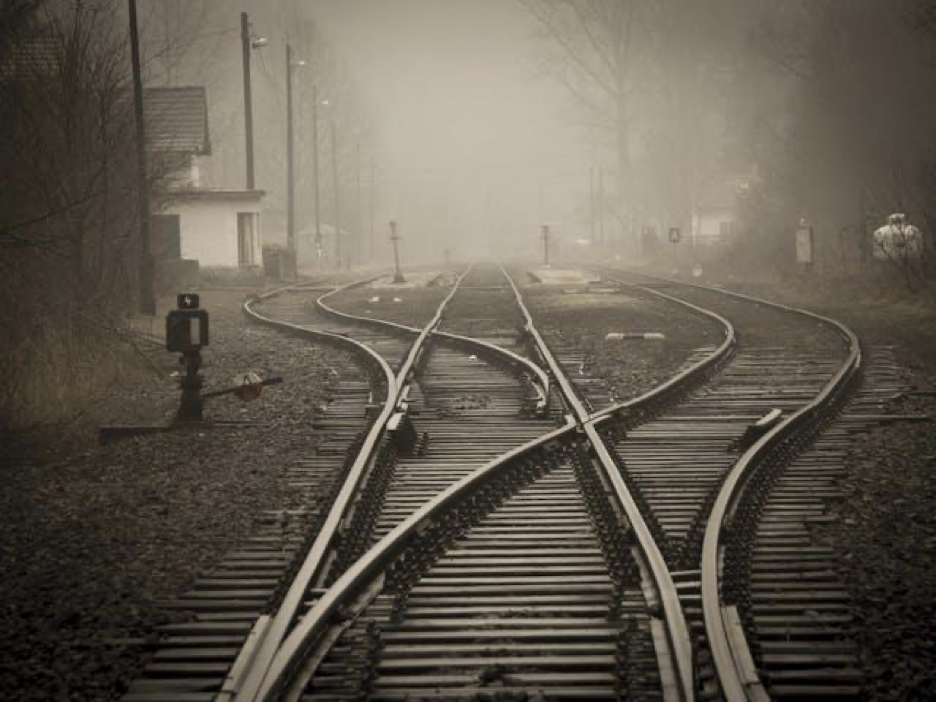
Layering becomes more pronounced in fog as objects fade progressively into the mist. Use this natural phenomenon to create compositions with multiple depth layers that draw viewers deeper into the image.
Minimalist compositions thrive in fog. The reduced visibility naturally eliminates distracting elements, allowing you to focus on simple, powerful subjects that might get lost in clearer conditions.
Protecting Your Gear in Fog
Fog can introduce moisture that easily condenses on your camera and lenses, posing a risk to your equipment. Weather-sealed gear should be safe in foggy conditions, but not all equipment is weather-sealed. Always carry microfiber cloths to safely wipe away water droplets without scratching delicate surfaces, and avoid changing lenses in foggy environments to prevent internal condensation.
Post-Processing Tips for Fog Photography
Post-processing can significantly enhance the ethereal and moody qualities of your fog photography. Once you’ve captured your shots, proper editing techniques can help bring out the depth and atmosphere of the scene while maintaining the natural, soft aesthetics of fog. Below are some editing tips to refine your foggy photos:
- Adjust Contrast Carefully: Fog naturally reduces contrast, so subtle adjustments can help define key elements without compromising the dreamy effect.
- Enhance Highlights and Shadows: Play with these settings to emphasize the glow of the fog or deepen the shadows for a more dramatic look.
- Fine-Tune White Balance: Adjusting the white balance can help you achieve the desired mood, whether it’s a cool, mysterious tone or a warm, golden aura.
- Use Dehaze Sparingly: While the dehaze tool can clarify details, be cautious not to overuse it, as it may diminish the soft, atmospheric quality of the fog.
- Add a Subtle Vignette: A slight vignette can draw attention to the center of the image and create a more immersive composition.
- Experiment with Split Toning: Adding gentle tints of color to the highlights and shadows can evoke an otherworldly or nostalgic atmosphere.
Safety and Ethical Considerations
Chasing dramatic weather is exciting, but safety always comes first. Consider the following whenever you head out into inclement weather:
- Check forecasts before you go: avoid lightning, floods, and dangerous winds.
- Stick to familiar or marked trails: rain and snow can hide hazards, fog can be disorienting.
- Watch your footing: wet rocks and hidden ice are risky.
- Respect nature: fragile ecosystems can be extra vulnerable during bad weather. Follow Leave No Trace principles.
Conclusion
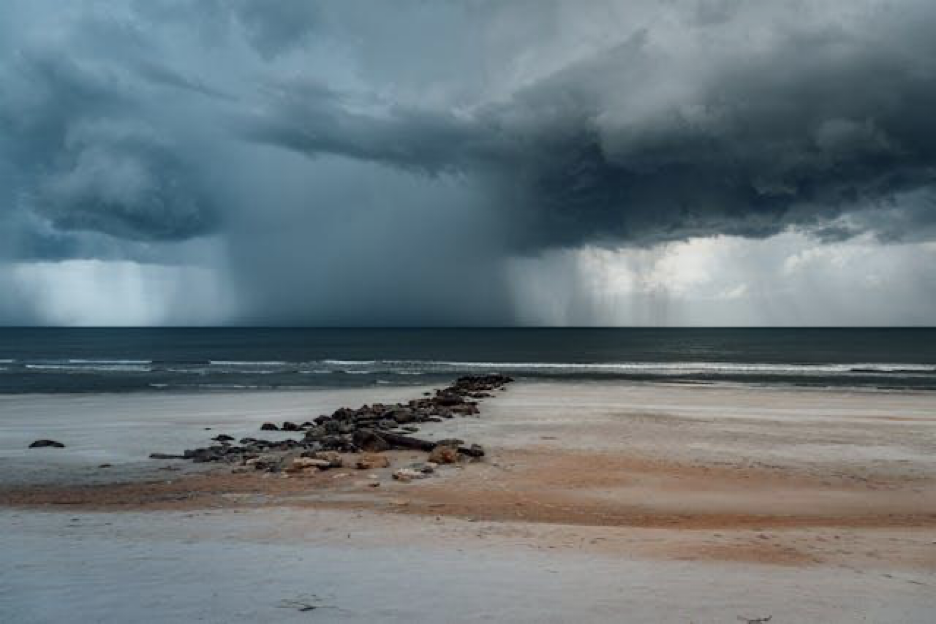
Photographing in unusual weather is all about learning resilience, slowing down, and seeing the world differently. Every storm, snow flurry, or fog bank is an opportunity to push yourself creatively.
So next time your weather app shows storms approaching, don’t see it as a reason to stay indoors. See it as an invitation to create something extraordinary. Grab your camera, protect your gear, dress appropriately, and head out into the beautiful chaos of unusual weather. Your most compelling images are waiting for you.