Data ingest is a routine part of every photo and video workflow, yet it is rarely treated as a defined process. Files are copied, folders are created, backups are made, and media is cleared for the next shoot. When everything works, the step feels invisible. When it does not, the consequences appear later as missing clips, incomplete transfers, or uncertainty about what was actually secured.
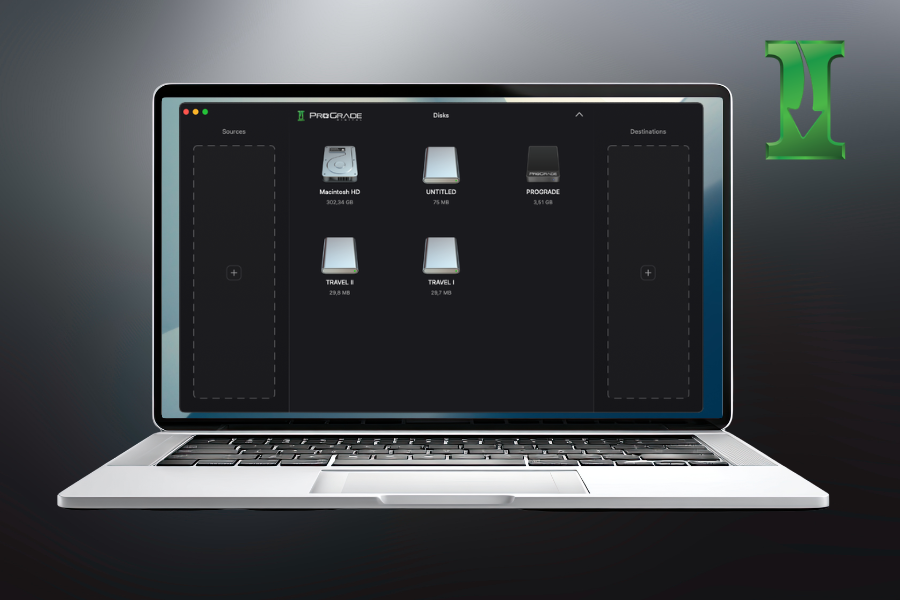
Ingest Pro is built to structure this stage. It manages transfers, verification, and organization across cards, readers, and storage devices. This article explains how Ingest Pro fits into professional workflows and why ingest deserves to be treated as a controlled system rather than a simple copy.
Understanding the Media Ingest Stage
Media ingest is the stage where captured files are transferred from memory cards to working storage. It includes copying data, creating backups, organizing folders, and preparing cards for reuse.
In smaller workflows, this may involve a single card and a single destination. In larger productions, multiple cards are transferred to multiple drives, sometimes in parallel.
Ingest defines how data moves from capture into the rest of the workflow. It determines how files are structured, how redundancy is handled, and how confidently original media can be erased.
Limitations of Manual Ingest
In many workflows, ingest is handled through drag-and-drop copying. If the transfer completes without an error message, it is assumed to be successful.
Operating systems confirm that data was written, but they do not independently verify file integrity unless additional tools are used. Folder size comparisons provide a quick check, yet identical folder sizes do not guarantee identical file contents or reveal interrupted transfers.
There is typically no structured record of what was transferred, when it occurred, or how it was verified. When transfers are interrupted or repeated, duplicate handling is determined by manual decisions.
At a modest scale, this approach can be adequate. As file sizes grow and multiple cards and destinations become standard, ingest benefits from a more defined structure and visibility.
Ingest Pro: A Professional Standard for Media Ingest
In professional environments, ingest is not treated as a background task. What matters is clarity: knowing exactly what was transferred, where it was written, how it was verified, and whether it is safe to clear the original media. Transfers are expected to be coordinated, documented, and repeatable (especially when multiple cards and multiple destinations are involved).
Ingest Pro is built around that premise. It brings transfers, verification, and documentation into a single environment, allowing ingest to function as a defined and controlled stage of the workflow rather than a simple file copy. As workloads increase and parallel transfers become common, this structure provides consistency without adding extra steps.
Verified Transfers and Checksum Validation
Ingest is only complete when data integrity is confirmed. A finished progress bar indicates that files were written, but verification determines whether they were written correctly.
Ingest Pro uses checksum validation to compare source and destination files during transfer. Instead of assuming that copied data matches the original, it confirms that file contents are identical. This reduces the risk of silent corruption, incomplete transfers, or unnoticed read errors.
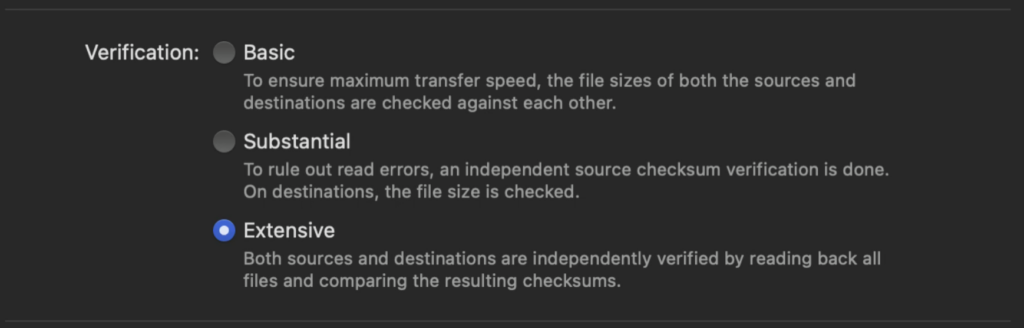
Different verification levels allow workflows to balance speed and certainty:
- Basic verification ensures maximum transfer speed, the file sizes of both the sources and destinations are checked against each other.
- Substantial verification can be used to rule out read errors, an independent source checksum verification is done. On destinations, the file size is checked.
- Extensive verification independently verifies both sources and destinations by reading back all files and comparing the resulting checksums.
At one end, basic checks compare file sizes to ensure consistency. More extensive modes independently read files and validate checksums, confirming integrity on both the source and destination. This flexibility allows Ingest Pro to be tailored to the assignment’s demands.
Transfer confirmation is not an afterthought. Each operation is logged, providing a record of what was transferred and how it was verified. For teams, this documentation supports accountability. For individual creators, it eliminates the need to manually double-check folders.
Easy Coordination of Multiple Sources and Destinations
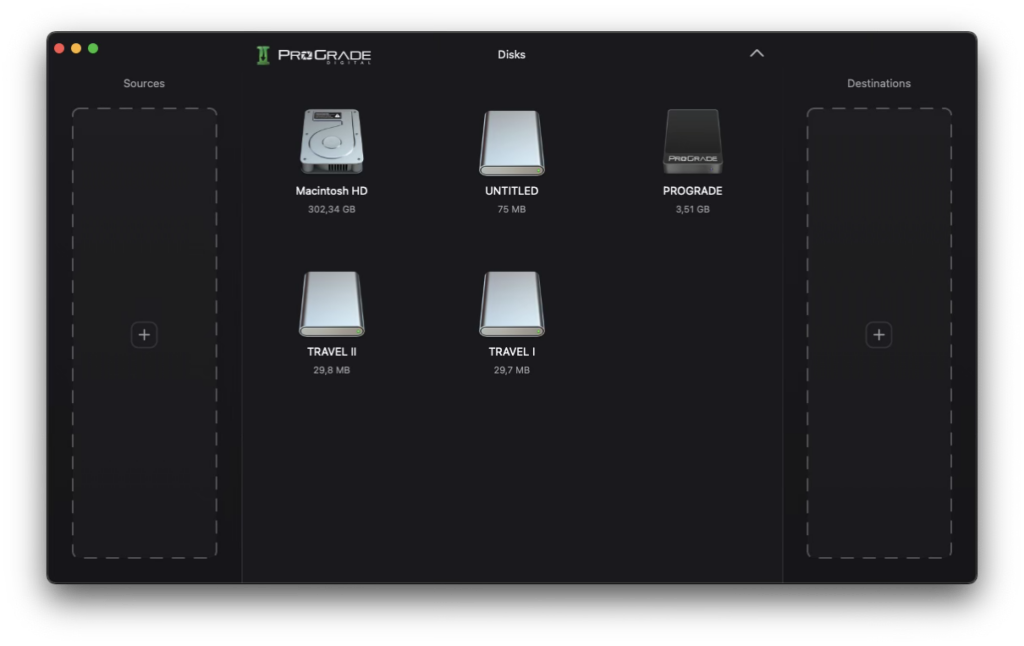
Modern workflows rarely involve a single card and a single drive. It is common to ingest from multiple sources while writing to multiple destinations for redundancy.
Ingest Pro supports this coordination within a single session. Multiple sources can be queued, and transfers can be directed to one or more destinations without restarting the process for each card. This reduces repetitive setup and keeps ingest organized as volume increases.
As workloads scale, the benefit becomes structural. Instead of treating each transfer as an isolated action, ingest operates as a coordinated stage where sources, destinations, and verification run together. The result is greater consistency when handling high data volumes or parallel transfers. And less time spent managing individual copy operations one by one.
Logging and Duplicate Detection
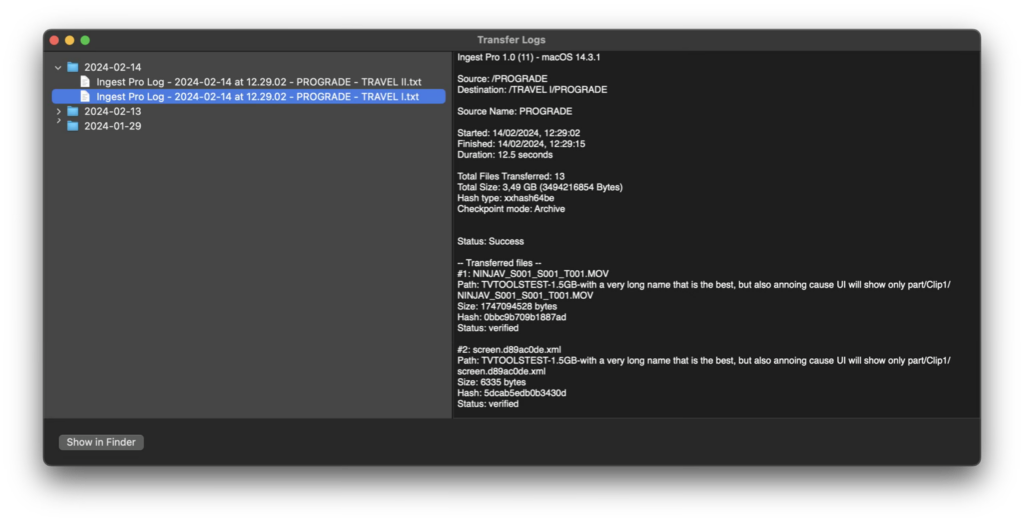
Ingest Pro automatically generates transfer logs for each operation. These logs document the source, destination, verification method, and any irregularities encountered during transfer. The result is a structured record rather than relying on memory or manual notes.
Duplicate detection is handled within the process. If a file already exists at the destination and matches predefined criteria, it is not copied again. If a file with the same name differs in size or modification date, it is transferred using a clear naming convention. This prevents accidental overwrites while maintaining transparency.
Together, logging and duplicate management reduce uncertainty during repeated or interrupted transfers. Ingest remains consistent even when workflows become complex.
Organization and Folder Structure Control

Ingest is not only about moving data, but also about preparing it for what comes next. Folder structure, naming conventions, and file selection all influence how quickly material can be located, reviewed, and delivered.
Ingest Pro allows folder structures to be created automatically during transfer. Instead of reorganizing files after copying, destinations can be formatted according to defined rules such as date, source name, or counters. This brings consistency to projects that involve multiple cards or repeated ingest sessions.
Selective copying adds another layer of control. Unnecessary files can be excluded, or transfers can be limited to specific file types when required. As a result, ingest becomes part of the organizational workflow rather than a preliminary step before cleanup begins.
By integrating structure into the transfer process itself, with Ingest Pro, the organization happens at the point of ingest rather than as a separate task.
Integrated Memory Card Maintenance Functionality
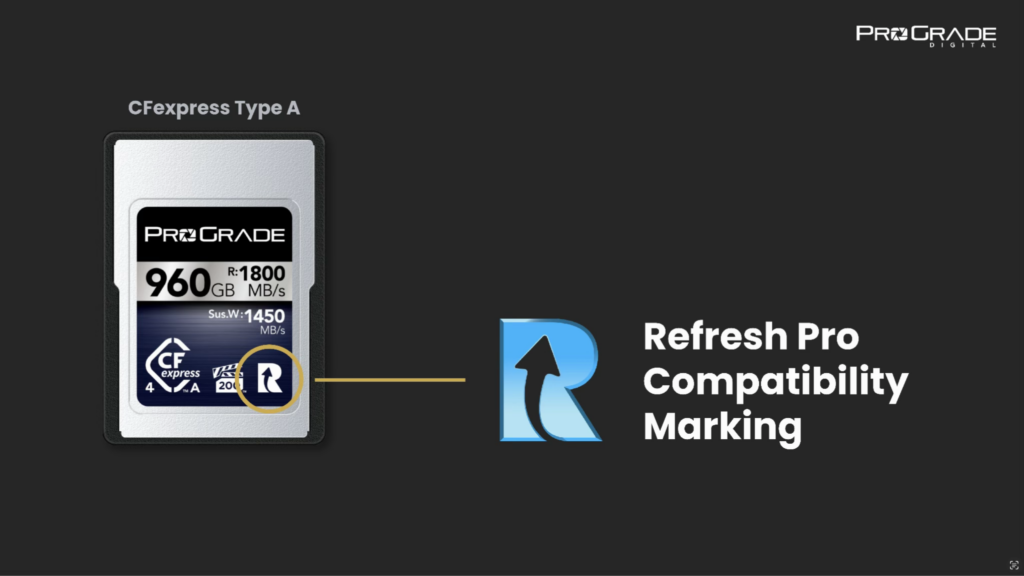
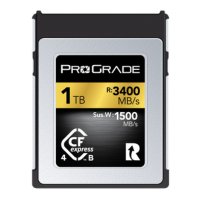
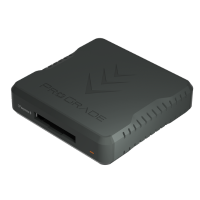
When used with compatible ProGrade Digital memory cards and workflow readers, Ingest Pro includes built-in Refresh Pro features, making it an all-in-one platform for data ingestion and memory card maintenance.
- The Health Check function on Ingest Pro evaluates a memory card’s condition and provides clear insight into its remaining lifespan. Instead of relying on assumptions, it offers measurable data to determine when media should continue in use and when it should be retired.
- The Sanitize function of Ingest Pro performs a controlled refresh of the flash memory cells, helping restore consistent write performance and maintain the card’s long-term stability. Over time, repeated write-and-delete cycles leave flash memory blocks in partially used states, requiring additional controller overhead during new writes. Sanitize clears and resets these blocks at the cell level, returning the media to a clean, factory-new state that supports sustained performance and extends usable lifespan.
It is important to note that Ingest Pro works with any memory cards, readers, SSDs, and storage devices for data transfer and verification. The Refresh Pro features become available when compatible ProGrade media and readers with the “R” icon (as shown in the image above) are connected.
When a Structured Ingest Workflow Matters Most
Ingest rarely fails during simple transfers. It fails under pressure. When multiple cards are rotating through a reader. When two or three destinations are writing simultaneously. When a transfer is interrupted and restarted. When cards must be returned to use the same day.
At that scale, small inefficiencies compound. Manual checks take time. Repeated copy operations increase the chance of duplication or omission. Unverified transfers introduce uncertainty that may not surface until much later in post-production.
Structured ingest exists to remove variability. When transfer, verification, organization, and maintenance operate within a single system, the process behaves consistently even as the workload increases.
A structured ingest workflow becomes increasingly valuable as data volume and complexity grow. Event coverage, commercial productions, travel assignments, and team-based workflows all increase the number of moving parts. Multiple sources, multiple destinations, and tight turnaround times leave less room for uncertainty. In these environments, ingest is not simply a transfer step. It is the point where reliability is established.
This is where ingest shifts from convenience to infrastructure.
Media that is reused frequently also benefits from a defined approach. Verification confirms file integrity before cards are cleared. Logging provides documentation when questions arise later. Integrated maintenance ensures that storage media remains consistent across repeated write cycles.
As workflows scale, ingest shifts from being a background action to a foundational stage. Structure at this point reduces the likelihood of retracing steps later.
Final Words: Ingest Pro
Data ingest sets the tone for everything that follows. When data enters your workflow with structure, verification, and maintained media, the rest of the process moves forward with clarity. Treat ingest as a defined stage, and the stability of your entire workflow improves with it. Start here: Ingest Pro